

Remove Office 1.0 - Remove all Office installations in one click
Remove Office 1.0 - Remove all Office installations in one click
SKU:
Couldn't load pickup availability
New Office?
Start with a clean installation.
Before installing your new Microsoft Office license, make sure you have removed previous versions and their remnants.
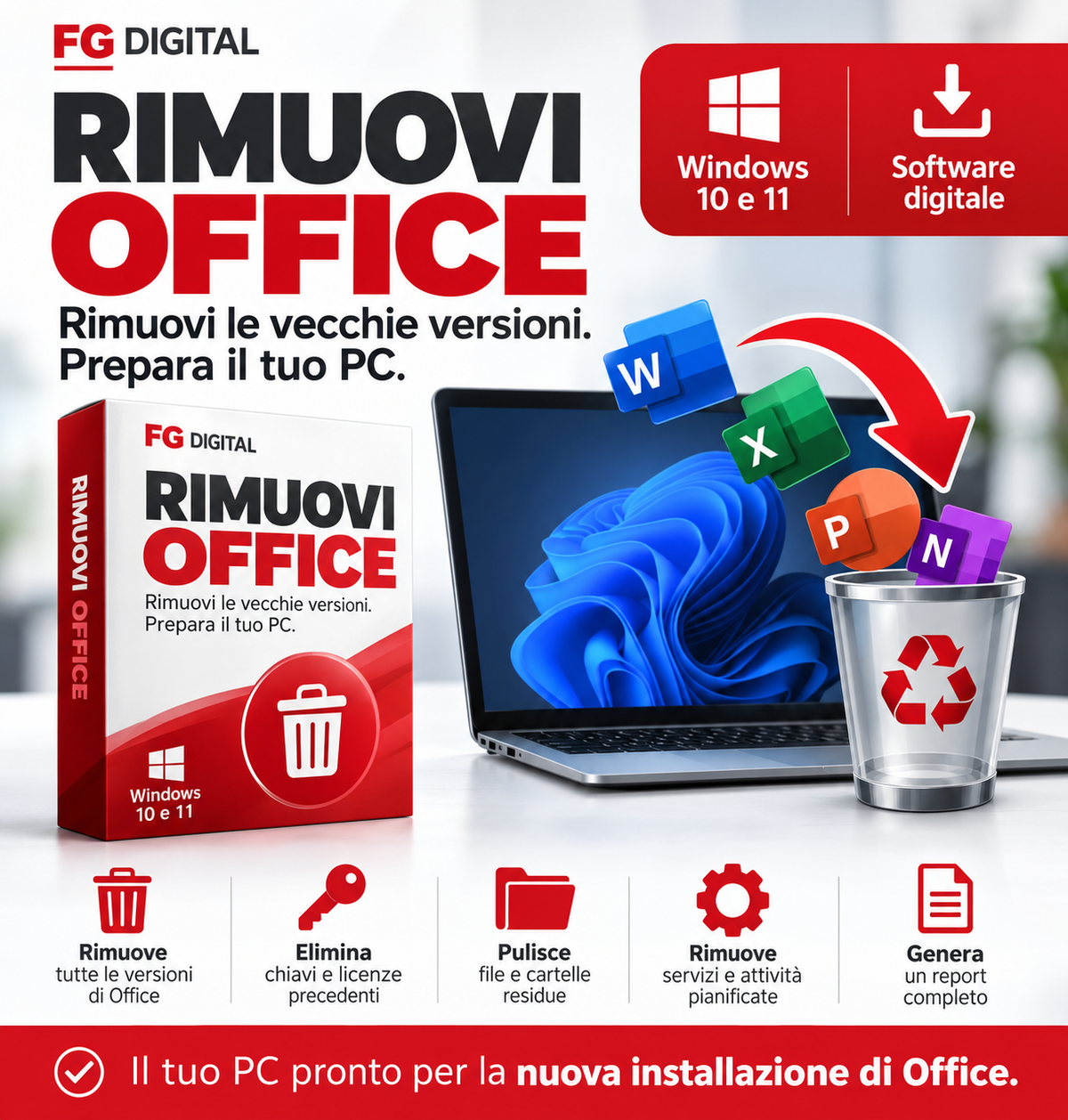
Remove Office 1.0 is a Windows utility designed to remove old Office installations, activation information, and residual components through a single interface.
✓ Removes previous Office versions
✓ Removes product keys and remnants
✓ No program installation
THE PROBLEM
Uninstalling Office doesn't always remove everything.
Even after a standard uninstallation, Windows may retain files, configurations, product keys, and components from previous versions of Microsoft Office.
In certain situations, these elements can cause conflicts during the installation or activation of a new version.
THE SOLUTION
A single utility.
A thorough removal.
Remove Office 1.0 simplifies the removal of previous Microsoft Office installations by addressing the main components that may remain in the system.
Removal of old versions
Uninstalls detected Microsoft Office versions, including Office 2007–2024 and Microsoft 365.
Removal of residual components
Addresses folders, residual files, Windows Registry configurations, services, and scheduled tasks.
Removal of old licenses
Removes previous product keys and Office activation tokens, including KMS/OSPP components.
Simple and immediate
Intuitive graphical interface, operation progress, and no additional program installation.
Operations report
Automatically generates a report on the Desktop summarizing the operations performed and any detected remnants.
QUICK GUIDE
How does it work?
Four simple steps to prepare your PC.
Download Remove Office
After purchase, download the RemoveOffice.exe digital file to your Windows computer.
Run as administrator
Open the program and authorize it to run with the required administrative privileges.
Start removal
Confirm the operation and wait for the removal process to complete.
Restart and install Office
Restart Windows at the end of the process. You can then proceed with the installation of your new Office version.
TECHNICAL INFORMATION
Compatibility and requirements
Operating systems
✓ Windows 11
✓ Windows 10 (version 1903 or later)
Supported Microsoft Office versions
Office 2007, 2010, 2013, and 2016
Office 2019, 2021, and 2024
Microsoft 365
Software details
Version: 1.0
Format: Digital .exe file
Installation: Not required
Privileges: Windows Administrator
Report: Automatically generated on the Desktop
Have you chosen your new Office?
Prepare your PC too.
If a previous version of Microsoft Office is already installed on your computer, you may want to remove it before using the new license.
Remove Office 1.0 is an additional tool designed to simplify this operation and reduce the risk of conflicts related to remnants of old installations.
Complete your Office purchase.
Add Remove Office 1.0 to your order and you will have a dedicated utility for removing previous versions.
SUPPORT
Frequently Asked Questions
Is it mandatory to install a new version of Office?
No. Remove Office 1.0 is an additional tool, particularly useful when you want to remove previous Office installations before installing a new one.
Does the software delete my Word, Excel, and PowerPoint documents?
The program is not designed to delete personal documents. However, it removes custom Office settings and templates. It is always recommended to back up important data.
Can I remove only one version of Office?
No. The program is designed to remove all Microsoft Office installations detected on the computer, including their activation information.
Do I need to install the program?
No. Remove Office 1.0 is provided as an .exe executable file. It is sufficient to run it on a compatible Windows computer with administrative privileges.
Is it official Microsoft software?
No. Remove Office 1.0 is an independent utility and is not developed, certified, or distributed by Microsoft.
Important information
Before use: back up important data and make sure you have the Microsoft credentials or Product Keys required for subsequent activations.
The software is designed to remove all detected Office versions, including custom settings and license components. In some corporate environments, a new activation may be required.
If Windows SmartScreen shows a warning for the digitally unsigned executable, verify the file's origin before authorizing its execution.
The removal of all residual components is not guaranteed in every Windows configuration. If necessary, further actions may be required.
Your new Office deserves
a clean installation.
Remove old versions and prepare the computer before installing your new license.
Add Remove Office 1.0 to your order.
Stay up to date!
Sign up for our email list to receive exclusive offers, updates on our services, and useful tips to improve your company's productivity.
Ottimo prodotto consigliato