
PDF Guide: Optimize Windows 10/11: Cleanup, Speed and Free Tools
PDF Guide: Optimize Windows 10/11: Cleanup, Speed and Free Tools
SKU:
Couldn't load pickup availability
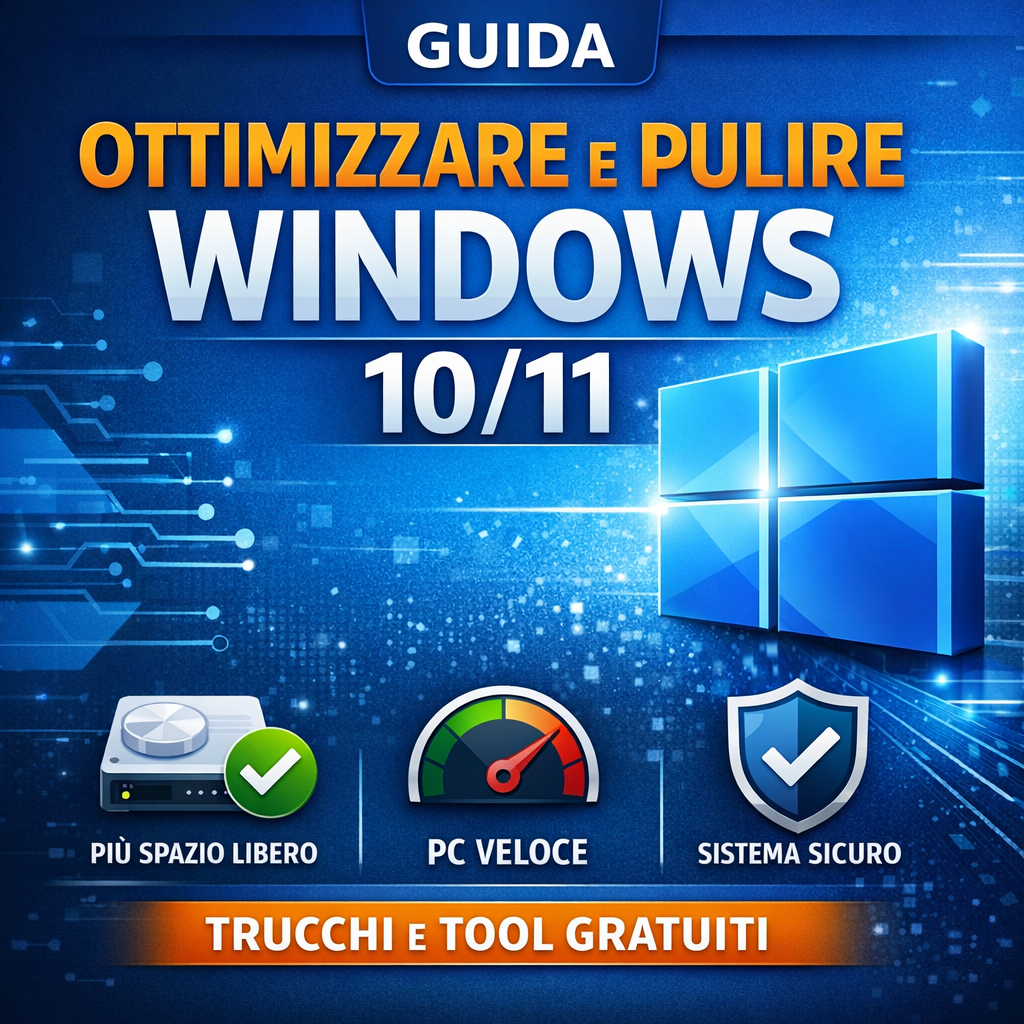
Windows 10/11 Optimization Guide PDF: Clean, Speed Up, and Improve PC Performance
Discover how to clean, speed up, and optimize Windows 10 and Windows 11 with a practical, clear, and immediately usable guide. This guide in digital PDF format walks you through optimizing your PC step by step, using both the tools already built into Windows and some selected free third-party tools chosen for their effectiveness and ease of use.
It is the ideal solution for anyone who wants a more responsive, organized, and stable computer, without complex procedures or wasting time on confusing tutorials or unreliable advice.
Why buy this guide
- Helps you free up space by removing unnecessary and temporary files.
- Improves PC speed by addressing startup, performance, and maintenance.
- Optimizes Windows 10/11 with a simple, organized method.
- Guides you step by step, even if you are not a technician.
- Includes free tools useful for cleaning, disk management, and system analysis.
What you will find inside
The guide is structured to provide a practical and immediate approach. Inside, you will find useful procedures for:
- correctly updating Windows 10 and Windows 11;
- freeing up disk space using built-in Windows tools;
- managing unnecessary apps and startup programs;
- safely optimizing system performance;
- checking the overall health of your PC;
- using recommended free software for more comprehensive maintenance;
- reducing slowdowns, clutter, and common performance issues.
Practical guide to cleaning and speeding up Windows
If your computer is slow, takes too long to start, or has little free space, this Windows optimization guide helps you take concrete action. The instructions are designed to be easy to follow and suitable for both home users and those who use their PC for study, office work, or daily tasks.
Thanks to a clear and practical approach, you will learn how to clean Windows 10/11, improve system responsiveness, and keep your PC running more efficiently over time.
Who it is for
- Users who want to speed up a slow Windows PC.
- Anyone looking for a simple guide to cleaning Windows 10 or Windows 11.
- Professionals, students, and home users who want to improve their computer's performance.
- Anyone looking for practical digital content to consult whenever needed.
Key benefits
- Practical digital format, easy to consult.
- Action-oriented content, without unnecessary theory.
- Focus on performance, cleaning, and maintenance.
- Clear structure, ideal even for complete beginners.
Why this guide can make a difference
Many users search online for how to optimize Windows 10, speed up Windows 11, or clean their PC without risks, but they often find incomplete or scattered content. This guide brings together the most useful procedures in a single document to help you truly improve your computer experience with a practical and immediate approach.
It is designed for anyone who wants a more organized, faster, and more efficient PC through simple yet targeted improvements.
FAQ
Is the guide suitable for non-experts?
Yes, the guide is designed to be clear and accessible even to those without advanced technical skills.
Is it compatible with Windows 10 and Windows 11?
Yes, the content is designed for users who use Windows 10 and Windows 11.
Does it also include free tools outside of Windows?
Yes, in addition to the tools already built into the operating system, the guide also includes references to free third-party tools useful for more comprehensive maintenance.
Buy the guide now
If you want a practical resource for cleaning, speeding up, and optimizing Windows 10/11, this digital guide is the right choice to get started right away. Practical support to improve your PC and manage it more effectively, with clear, results-oriented instructions.
Stay up to date!
Sign up for our email list to receive exclusive offers, updates on our services, and useful tips to improve your company's productivity.
Buono, sono in fase di apprendimento e applicazione