

Microsoft Office 2021 Professional Plus - Lifetime License - Original Product Key - Italian Invoice
Microsoft Office 2021 Professional Plus - Lifetime License - Original Product Key - Italian Invoice
SKU:
Couldn't load pickup availability
Digital license for Windows PC
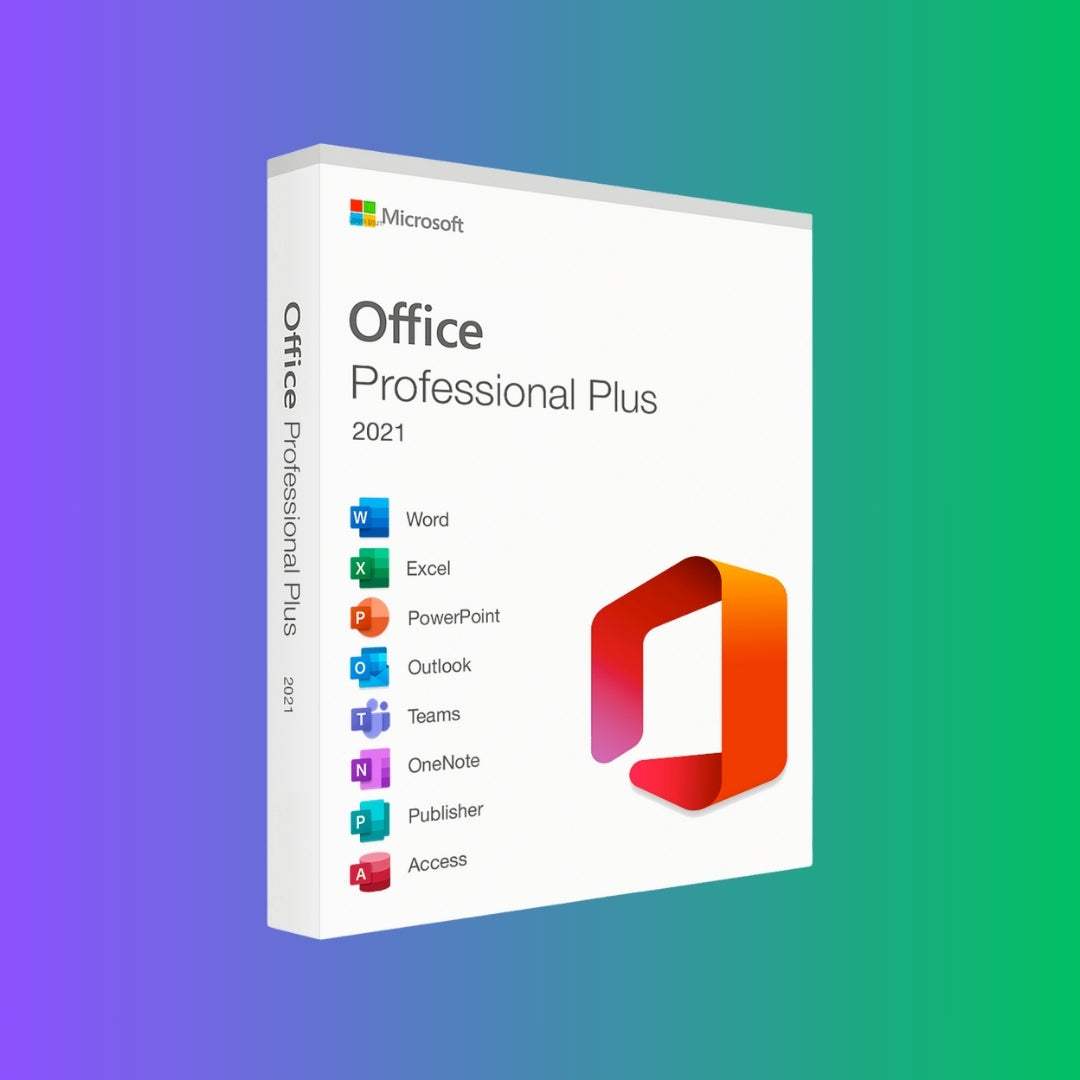
Microsoft Office 2021 Professional Plus: the complete suite for working, organizing, and producing without a subscription
Microsoft Office 2021 Professional Plus is the ideal solution for those who want classic Office applications installed on a Windows PC, with comprehensive tools for documents, spreadsheets, presentations, email, databases, and professional publications.
Why choose Office 2021 Professional Plus
Office 2021 Professional Plus is designed for those looking for a stable, comprehensive Office suite that can be installed locally on their PC. It is a suitable choice for professionals, businesses, technical firms, administrative offices, and home users who use Word, Excel, PowerPoint, Outlook, and other Microsoft tools every day.
Unlike a subscription service, this version allows you to use Office 2021 applications without monthly fees. After purchase, you will receive the digital information needed to proceed with installation and activation.
- ✓ Complete suite: includes the main Microsoft Office applications for productivity, communication, and data management.
- ✓ Installation on Windows PC: recommended for desktop and laptop computers with a compatible operating system.
- ✓ One-time purchase: a suitable solution for those who do not want a recurring Microsoft 365 subscription.
- ✓ Guided activation: receive step-by-step instructions to complete the process on your device.
- ✓ Post-purchase support: FG Digital will assist you if you have any questions during installation or activation.
A practical choice for those who use Office every day
Office 2021 Professional Plus is suitable for those who want to work with familiar, reliable applications installed on their own computer. It is a practical solution for creating documents, managing data, preparing presentations, organizing email, structuring databases, and creating professional materials without relying on a monthly subscription.
Applications included in Microsoft Office 2021 Professional Plus
The Professional Plus version offers a complete package of desktop applications for Windows PC.
Microsoft Word 2021
For creating professional documents, letters, reports, contracts, quotes, and precisely formatted content.
Microsoft Excel 2021
For managing spreadsheets, reports, formulas, tables, budgets, archives, and business or personal data analysis.
Microsoft PowerPoint 2021
For creating effective presentations, business slides, training materials, and professional visual documents.
Microsoft Outlook 2021
For managing email, calendar, contacts, appointments, and work communications from a single interface.
Microsoft OneNote 2021
For organizing notes, ideas, meetings, reminders, and information in organized digital notebooks.
Microsoft Access 2021
For creating and managing databases on Windows PC, useful for archives, data collection, forms, and management activities.
Microsoft Publisher 2021
For creating simple graphic and desktop publishing materials such as flyers, information sheets, brochures, and corporate communications.
Who is Office 2021 Professional Plus recommended for
- ✓ Professionals and freelancers: for managing documents, quotes, communications, basic accounting, and reports.
- ✓ Businesses and offices: for working with installed, familiar Office tools without monthly fees.
- ✓ Technical and administrative firms: for organizing files, archives, tables, presentations, and communications.
- ✓ Students and advanced home users: for using a complete, stable suite on their own Windows PC.
- ✓ Those who do not want recurring subscriptions: to purchase Office once and use the 2021 version installed on the computer.
How the digital purchase works
01
Complete your order online
Purchase Microsoft Office 2021 Professional Plus directly from the FG Digital store.
02
Receive the digital information
After purchase, you will receive the necessary instructions to proceed with installation and activation.
03
Install Office on your Windows PC
Follow the provided procedure and install the Office 2021 suite on your compatible device.
04
Activate and start working
Complete the activation and start using Word, Excel, PowerPoint, Outlook, Access, Publisher, and OneNote.
Recommended system requirements
Before purchase, check that your computer is compatible with Microsoft Office 2021 Professional Plus.
| Item | Recommended requirement |
|---|---|
| Operating system | Compatible Windows PC. Windows 10 or Windows 11 recommended. |
| Processor | At least a 1.6 GHz dual-core processor or higher recommended. |
| RAM | At least 4 GB RAM recommended. |
| Available space | At least 4 GB of free disk space. |
| Screen | Minimum recommended resolution 1280 × 768. |
| Internet connection | Required for download, installation, updates, and activation. |
What you receive with the purchase
- ✓ Microsoft Office 2021 Professional Plus digital license for Windows PC.
- ✓ Operating instructions for installation and activation.
- ✓ Digital access to the software as indicated after purchase.
- ✓ FG Digital support in case of difficulties during the process.
- ✓ Complete Office suite for documents, calculations, presentations, email, databases, and publications.
What to know before buying
- Important: it is not a Microsoft 365 subscription and does not include premium recurring cloud services or additional OneDrive storage.
- Compatibility: this version is intended for Windows PCs and not for Mac.
- Specific version: Office 2021 does not automatically include free updates to future versions of Office.
- Previous installations: any versions of Office already on the PC may need to be removed before the new installation.
Office 2021 Professional Plus or Microsoft 365?
The choice depends on how you want to use Office. Office 2021 Professional Plus is suitable for those who prefer a suite installed on the PC, while Microsoft 365 is designed for those who want cloud services and continuous updates through a subscription.
| Feature | Office 2021 Professional Plus | Microsoft 365 |
|---|---|---|
| Purchase method | One-time purchase of the Office 2021 version, with no monthly fee. | Monthly or annual subscription. |
| Applications | Desktop Office apps installed on Windows PCs. | Office apps plus cloud services according to the chosen plan. |
| Cloud services | Does not include Microsoft 365 premium subscription services. | May include OneDrive, cloud collaboration, and additional features. |
| Ideal for | Those who want Office installed and stable on their PC. | Those who want cloud services, continuous updates, and multi-device use. |
Frequently asked questions
Is Microsoft Office 2021 Professional Plus a subscription?
No. Office 2021 Professional Plus is not a Microsoft 365 subscription. It is an Office version that can be installed on a compatible PC.
Can I install it on a Mac?
No. This version is designed for Windows PCs. For Mac, you need to choose an Office version compatible with macOS.
Are Access and Publisher included?
Yes, Office 2021 Professional Plus includes Access and Publisher, as well as Word, Excel, PowerPoint, Outlook, and OneNote.
Is an internet connection required?
Yes, an internet connection is required to download the software, complete the installation process, and proceed with activation.
What happens if I have problems during activation?
You can contact FG Digital support. We will help you check the process and identify any conflicts with previous Office installations.
Bring Office to your PC with a simple, guided digital solution
Choose Microsoft Office 2021 Professional Plus to work with a complete suite that can be installed on a Windows PC, without a monthly subscription and with FG Digital support during the process.
Stay up to date!
Sign up for our email list to receive exclusive offers, updates on our services, and useful tips to improve your company's productivity.
Per ora va tutto bene, e non dovrebbero esserci problemi in futuro. Sicuramente comprerò ancora in futuro
acquistato stamattina, installato e attivato con successo,spiegazione molto dettagliata passo per passo, molto soddisfatto.
Mi sono trovato benissimo, ritengo sia una azienda serie e disponibile a venire incontro alle richieste del cliente.
Tutto perfetto installato in breve termine.
Grazie mille
Semplice da installare e non si ha più problemi x rinnovare e spendere soldi tutti gli anni