Printer, scanner, photocopier: why it pays to unify devices in the office
Condividi
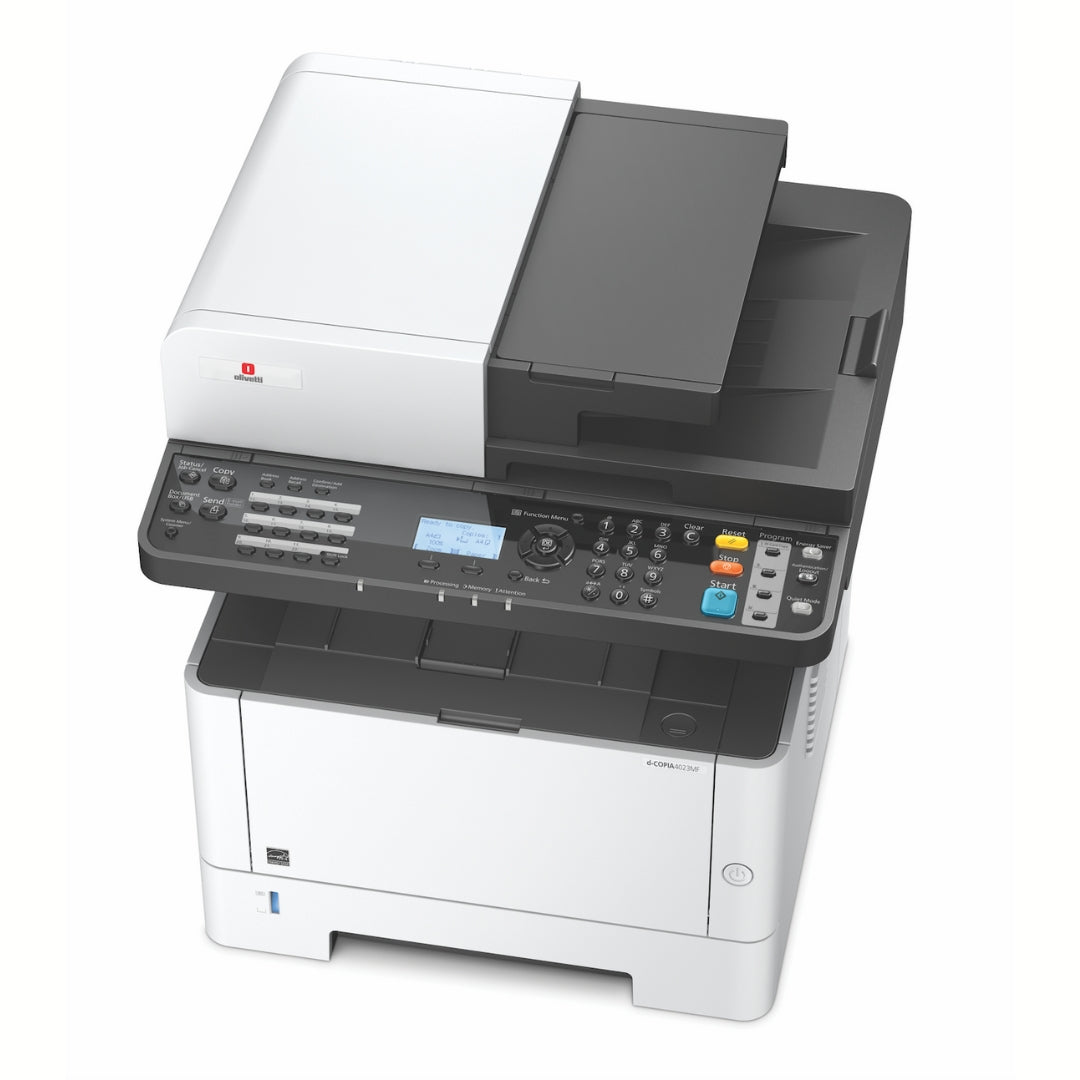
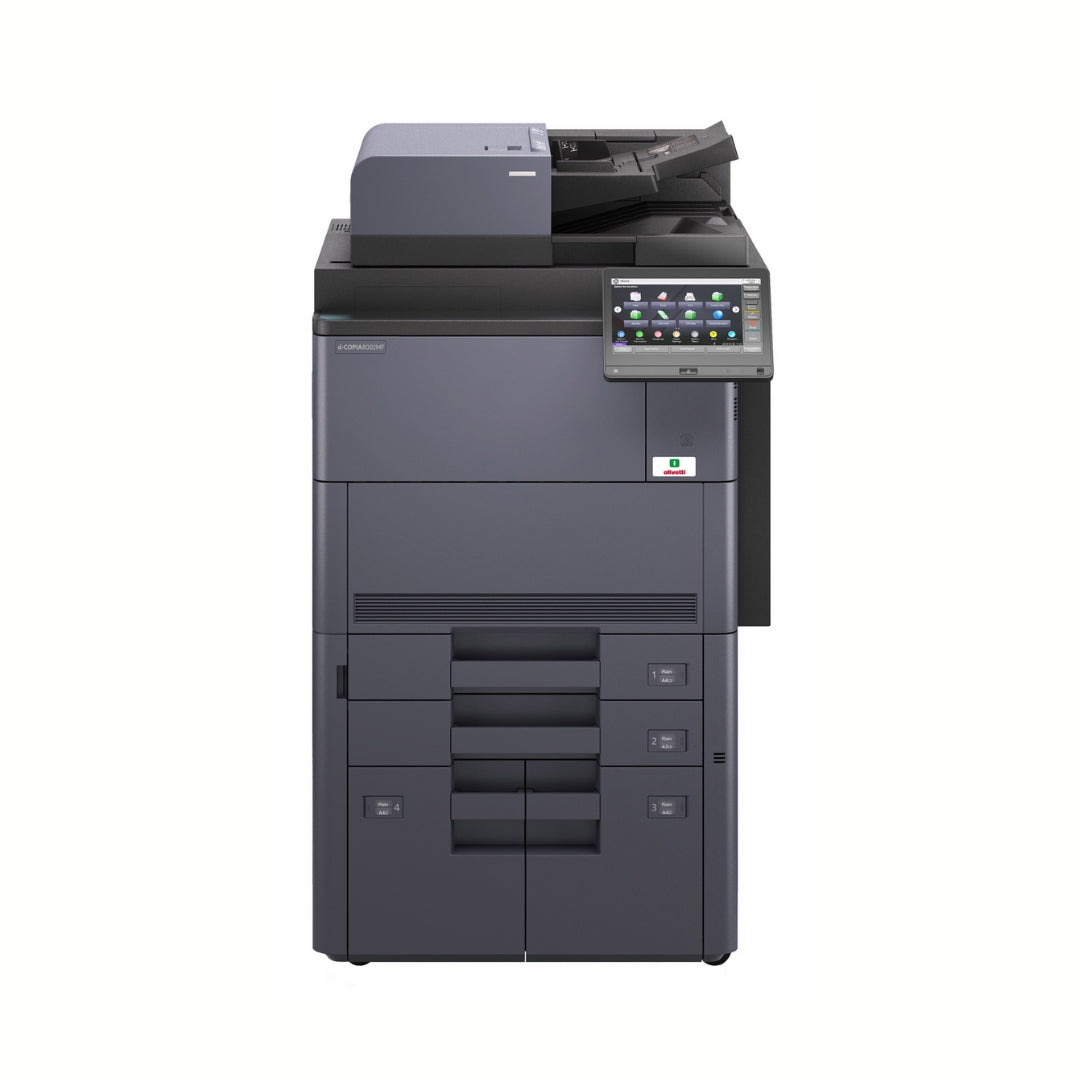
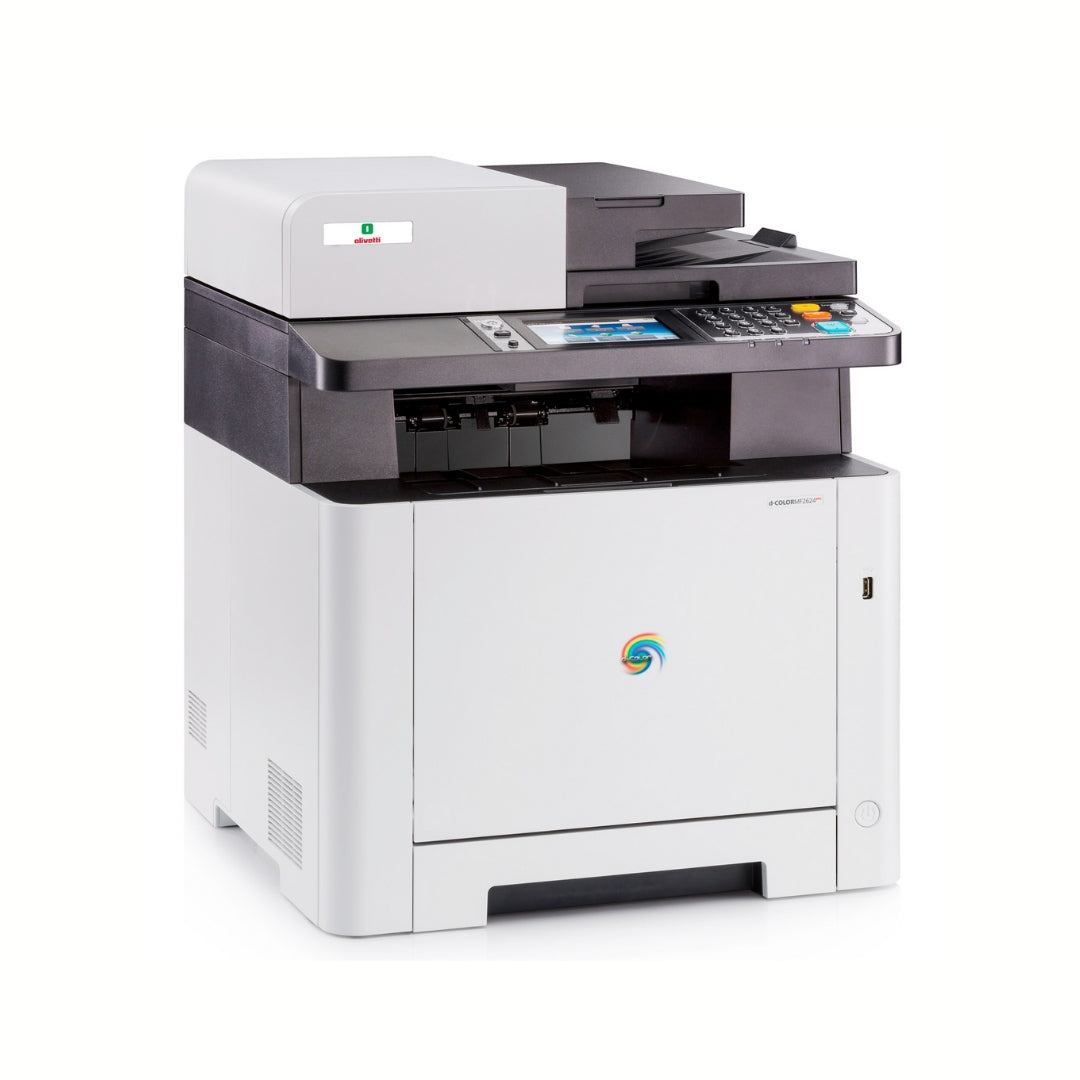
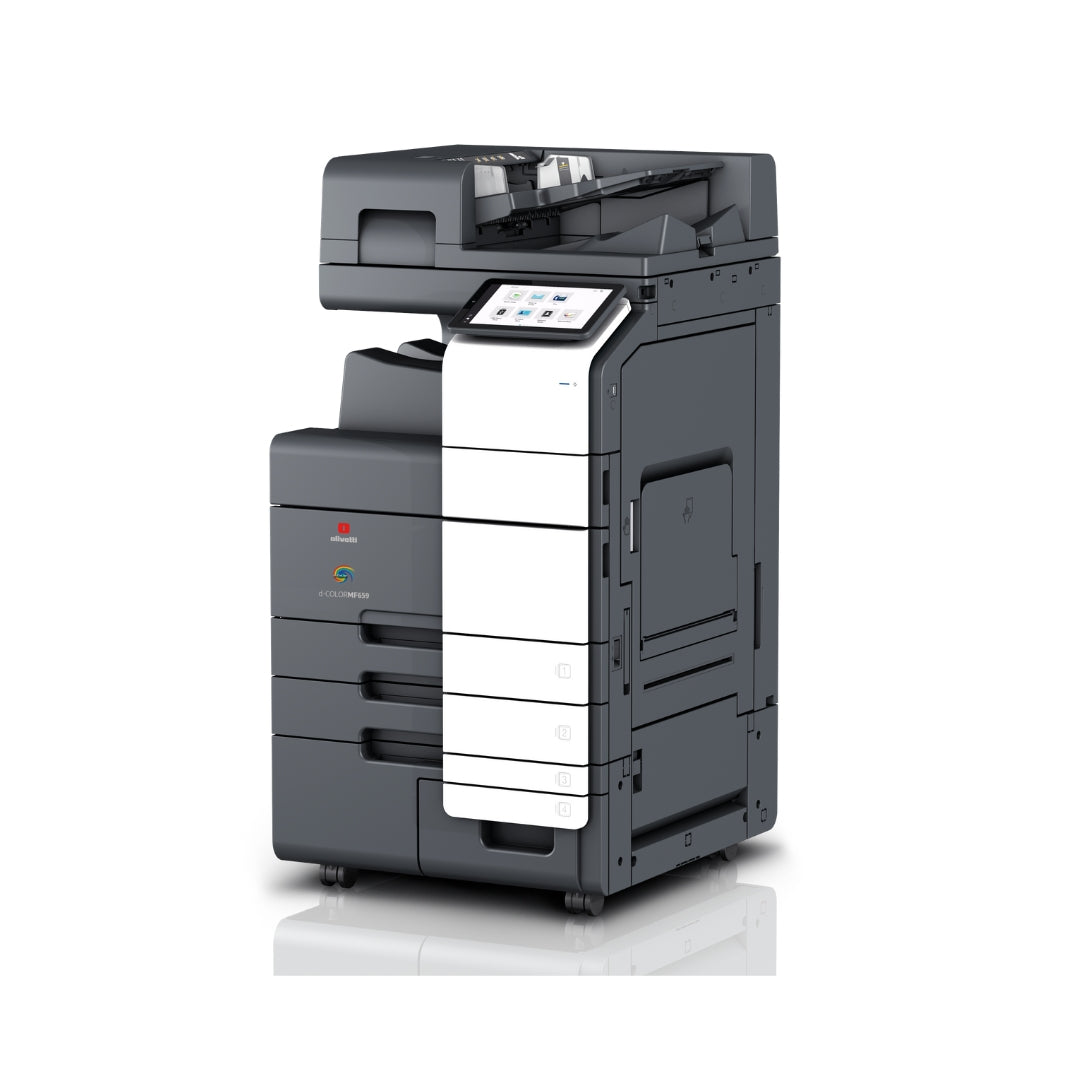
An office with separate printers, scanners, and photocopiers is harder to manage, more expensive to maintain, and often less secure. In this guide, we explain the benefits of multifunction printers in the office in terms of costs, space, processes, and security. You will find practical examples, operational tips, and references to services such as managed print, multifunction printer leasing, and printer support.
In summary
- A single device reduces TCO, energy consumption, and the floor space occupied.
- Faster workflows: scanning with OCR, routing, and digital approvals.
- Single, proactive maintenance with remote monitoring and SLAs.
- Centralized security: authentication, encryption, auditing, and consistent policies.
- Greater cost control through reports by department/user and print rules.
- Scalability with multifunction printer leasing models and managed print services.
Costs and space
TCO: visible and hidden costs
When evaluating the benefits of multifunction printers in the office, the first aspect is TCO (Total Cost of Ownership). A single multifunction device (MFP) replaces dedicated printers, scanners, and photocopiers. Savings come from:
- Fewer pieces of hardware to purchase or lease.
- Optimized consumables (toner, drums, wear parts) managed centrally.
- Fewer contracts: a single supplier for printer support and supplies.ù
-
Lower energy consumption thanks to a single power source with energy-saving features.
Centralization also makes it easier to control the budget: with reporting by cost center and print policies (e.g., default double-sided B&W), it is easy to contain waste. In addition, with a managed print project, you can predict fees aligned with actual volumes and reduce out-of-contract usage.
Fewer square meters, more order
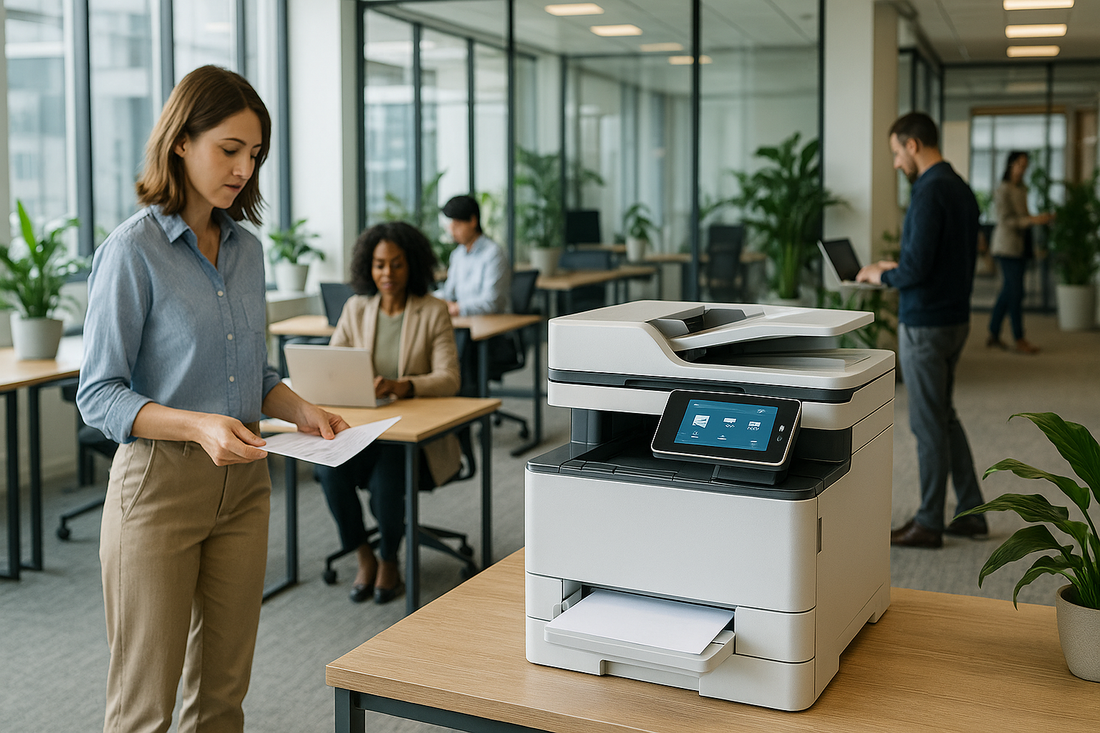
Three different machines take up more space and require clearance space and dedicated outlets. The MFP frees up square meters, simplifies the shared workstation, and reduces ambient noise. For offices with open spaces or satellite locations, this compactness makes it easier to plan space and document workflows.
Purchase or operating lease?
Many Italian companies prefer the operating lease of MFPs to spread out the expense, keep the hardware up to date, and include services. Leasing integrates with managed print contracts and printer support SLAs that guarantee availability and certain response times.
Tax/legal disclaimer: evaluations on deductibility, accounting treatment, and contracts are general information and do not constitute advice. For tax decisions, consult your tax advisor.
Workflow efficiency
Smart digitization and OCR
A modern MFP accelerates the paperless transition with scan-to-email, scan-to-folder, scan-to-cloud , and integrated OCR features. This means:
- Full-text search in documents (no more lost folders).
- Scans automatically routed to teams, project folders, or applications.
- Reduced data entry time and better data quality.
For those working with contracts, orders, or invoices, OCR combined with templates standardizes classification: invoices in "Administration", contracts in "Legal", etc. It is the first step toward introducing consistent document workflows.
Approval workflows and management system integration
The multifunction device becomes a digital hub: it captures documents, applies metadata, and sends them to management systems, DMS, or ERP. Approval workflows can be set up with automatic notifications and progress logs.
Result: fewer manual steps, shorter cycle times, and reduced errors. With managed print projects, integration is designed around your application stack to avoid bottlenecks.
Mobility and hybrid work
With BYOD and smart working, printing must be everywhere and secure. MFPs enable:
- Mobile printing from smartphones and tablets (wirelessly);
- Pull printing: send the job and release it when you are in front of the machine;
- Access to cloud repositories to retrieve or archive documents directly from the panel.
The result is seamless collaboration between those in the office and those working remotely, with less waiting and greater operational autonomy.
Simplified maintenance
One contract, one management
Having a single MFP means a single maintenance contract, with a partner that manages supplies, spare parts, and interventions end-to-end. The IT department stops chasing tickets for heterogeneous peripherals and finds time for higher-value projects.
Proactive monitoring and automatic replenishment
With the telemetry of a managed print service, the MFP sends data on volumes, component status, and consumable levels. The supplier can:
- Anticipate failures by replacing wear parts.
- Ship toner automatically before it runs out.
- Optimize settings to reduce costs and improve quality.
This proactive approach cuts machine downtime and provides continuous visibility into performance.
SLA and operational continuity
Establish clear SLAs (response times, repair times, replacement machine) with your printer support partner. In critical environments (administration, front office, production), it is possible to provide backup devices or redundancy to guarantee business continuity even during scheduled interventions.
Centralized security
Authentication and secure release
The multifunction device can require user authentication (badge, PIN, SSO) and enable pull printing: jobs remain in the queue and are released only when the user is present.
Benefits:
- Confidential documents are not left unattended in the tray.
- Traceability of who prints what, when, and from which terminal.
- Ability to set a department quota and rules (e.g., mandatory B&W for email).
Encryption, GDPR, and retention
Data in transit and at rest (MFP disk) can be encrypted; the secure deletion of temporary files protects sensitive information. Log management and retention policies help align with the GDPR and internal security procedures.
Legal disclaimer: compliance indications are general information and do not replace legal advice. For policies and compliance, consult the DPO/advisor.
Auditing, reports, and consistent policies
Centralizing on an MFP simplifies the audit: unified reports, consistent print rules, easy application of blacklists/whitelists (e.g., blocking color printing beyond a threshold). Security is no longer a sum of exceptions, but a governed system.
How to request a consultation/quote
Do you have print volumes to rationalize or want to evaluate the benefits of multifunction printers in the office with a custom project? Complete the request form: process analysis, site visit, technical and economic proposal with multifunction printer leasing, managed print, and printer support services options.
FAQ
Is the multifunction device also suitable for small offices?
Yes. A compact MFP frees up space and offers advanced print and scan features without managing three separate devices.
How much can I save by switching to an MFP?
It depends on the volumes and current contracts. Generally, hardware, consumables, and interventions are reduced. Reporting helps measure the savings per department.
Is it compatible with my management system/DMS?
Modern MFPs offer standard connectors and protocols. In a managed print project, integration with the ERP/DMS in use is evaluated.
Is it better to purchase or lease?
There is no single answer. The operating lease is flexible and aligns costs with usage, while purchasing prioritizes ownership. Compare TCO, cash flow, and included SLAs.
How are confidential documents protected?
With user authentication, pull printing, encryption, and logs. Policies and permissions ensure that only authorized profiles can print/retrieve documents.