What is a multifunction printer: definition, components and use cases
Condividi
Multifunction printers (MFPs) have become the heart of office operations: a single device that prints, copies, scans, and often sends faxes or emails, reducing costs and complexity. In this clear and practical guide, you will discover what an MFP is, how it works, what components it consists of, in which business contexts it performs best, and what concrete benefits it brings to your team. At the end, you will find a summary box and the FAQs.
In summary
- What is an MFP: a single device that integrates printing, copying, scanning, and optionally, fax/email sending.
- Why adopt it: it simplifies the machine fleet, reduces costs and times, and improves productivity.
- Key components: print engine, scanner/ADF, paper trays, control panel, controller, finisher, and connectivity.
- Typical use cases: administrative offices, technical offices, retail, healthcare, education, HR and sales departments.
- Operational benefits: cost control, document security, compliance and traceability, integration into digital workflows, sustainability.
- Next steps: needs assessment and possible (multifunction printer rental) or (managed print) project with (printer support) SLAs.
Definition and functions
What is a multifunction printer (MFP)
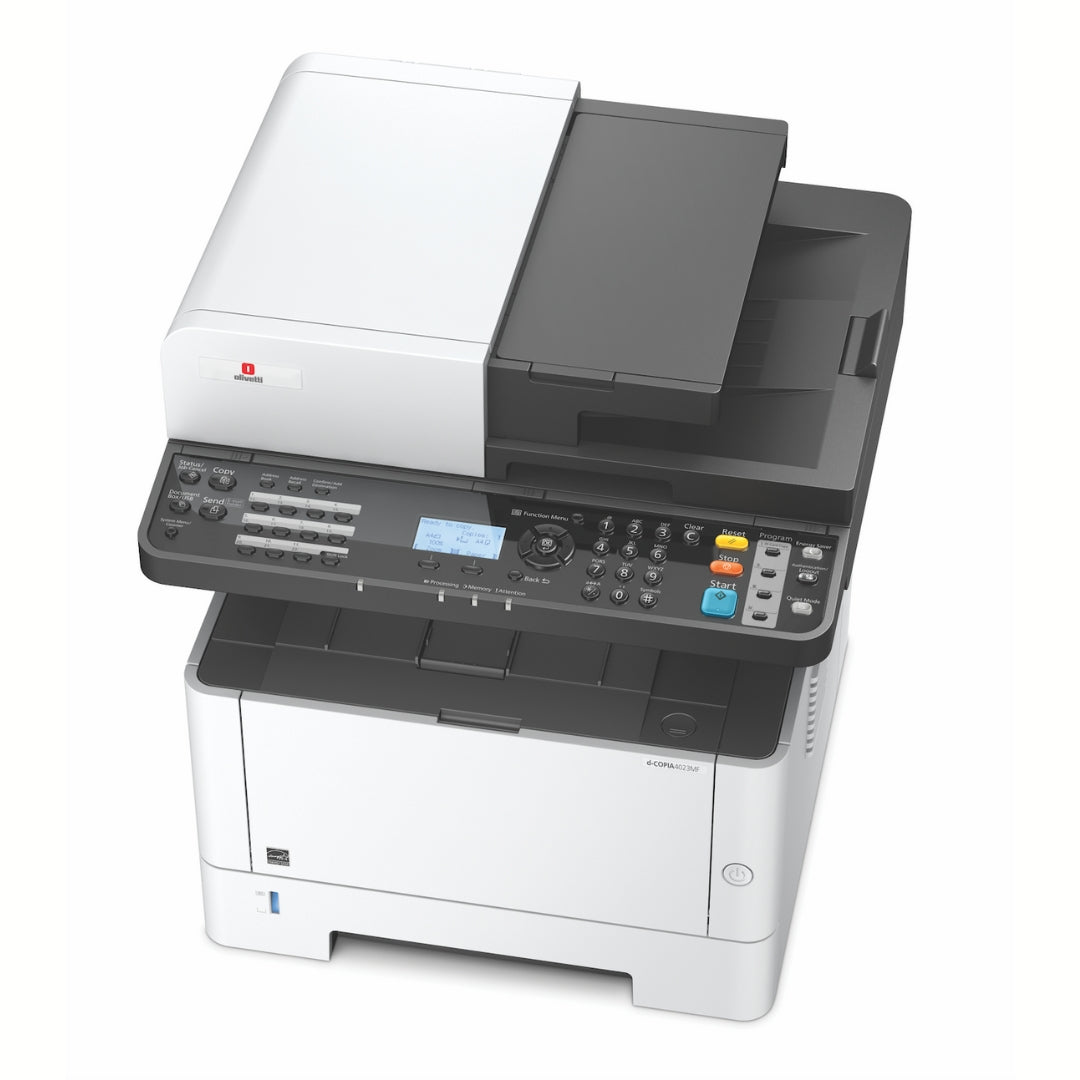
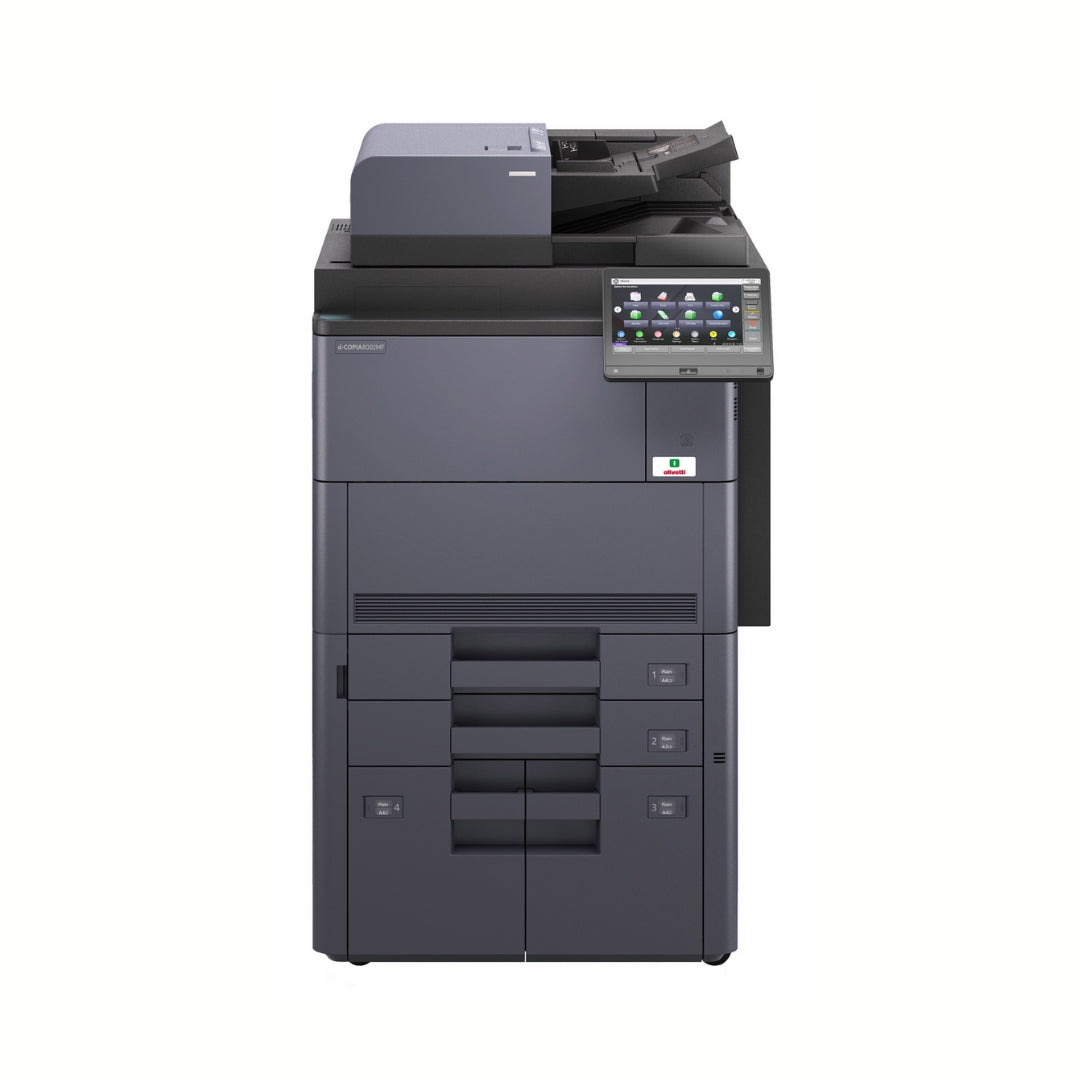
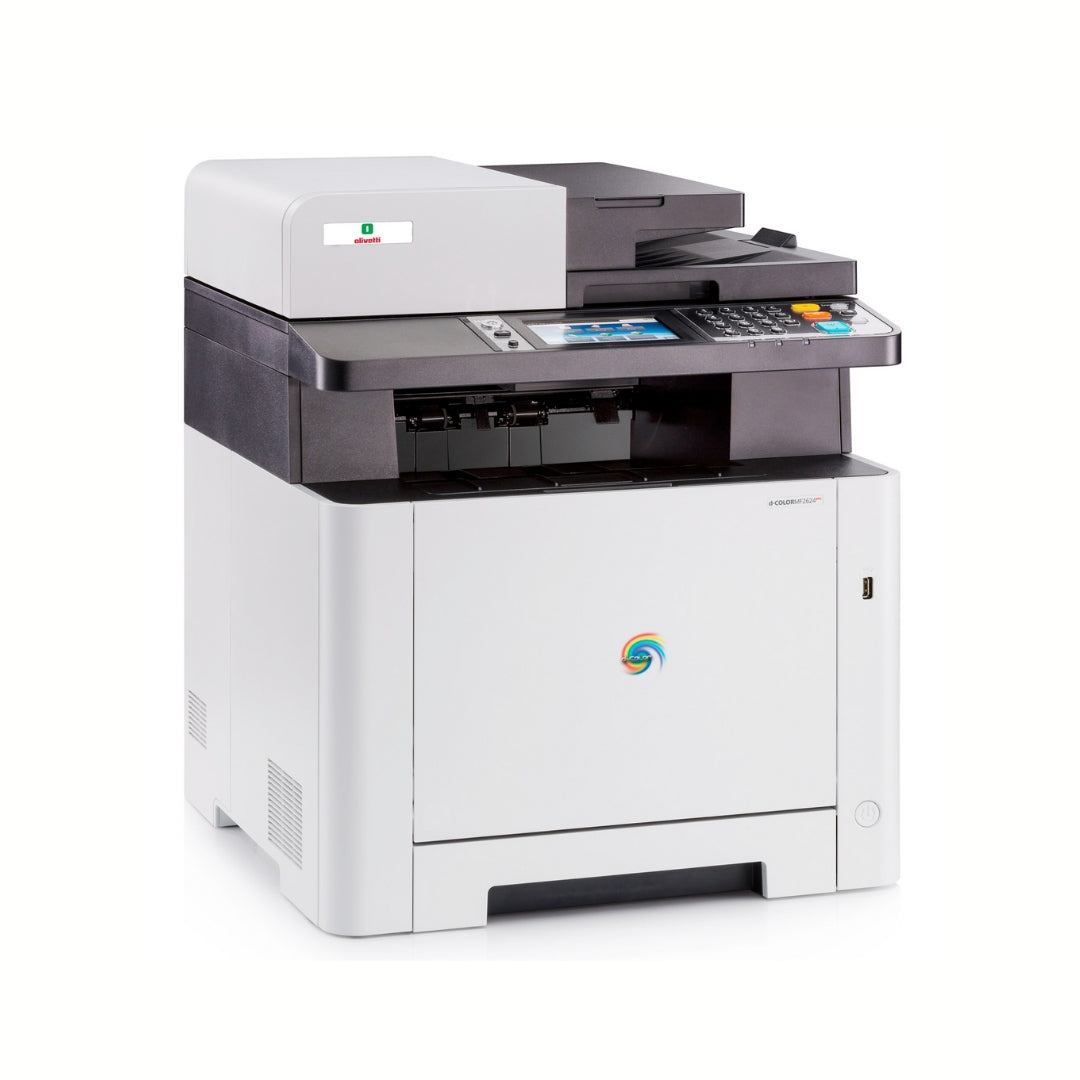
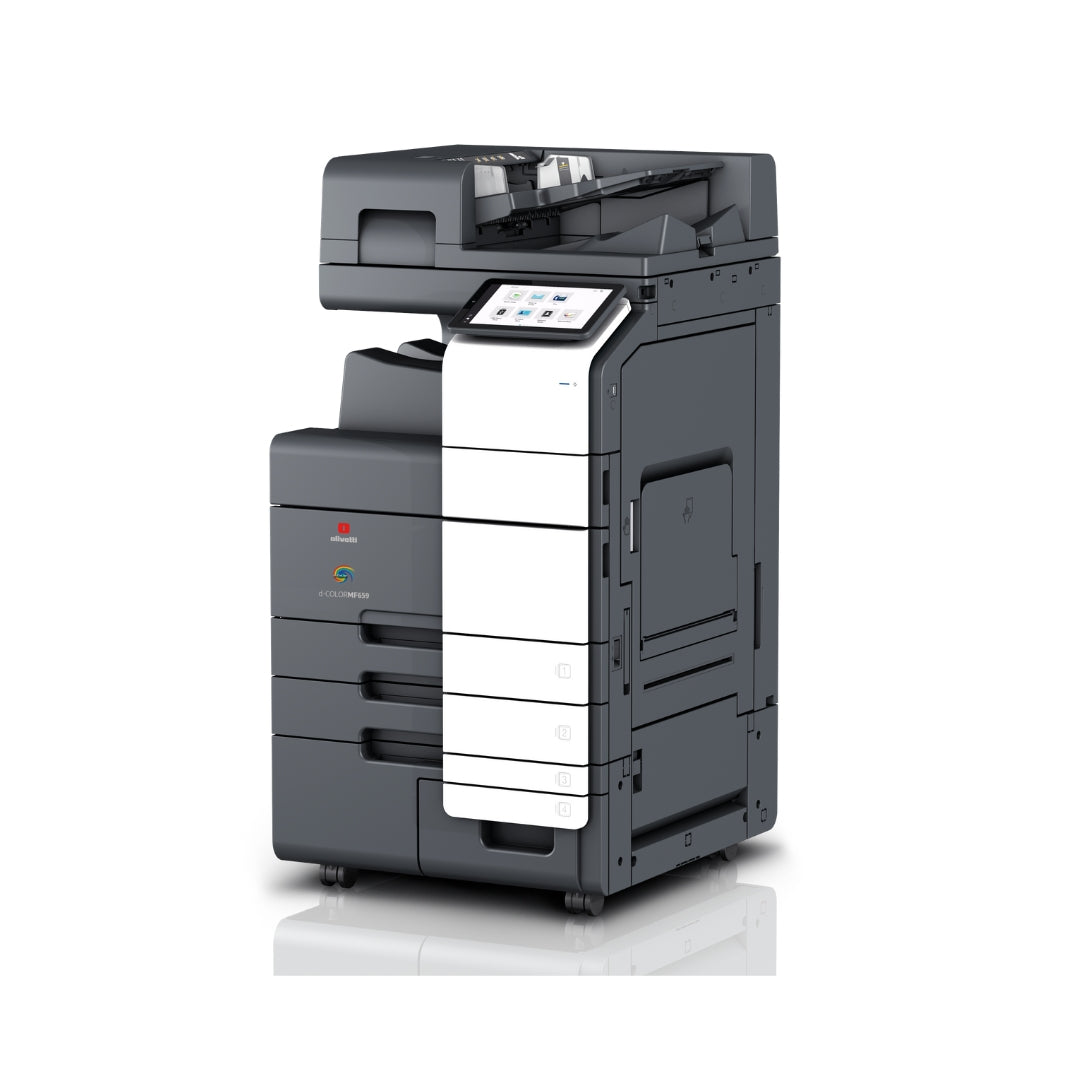
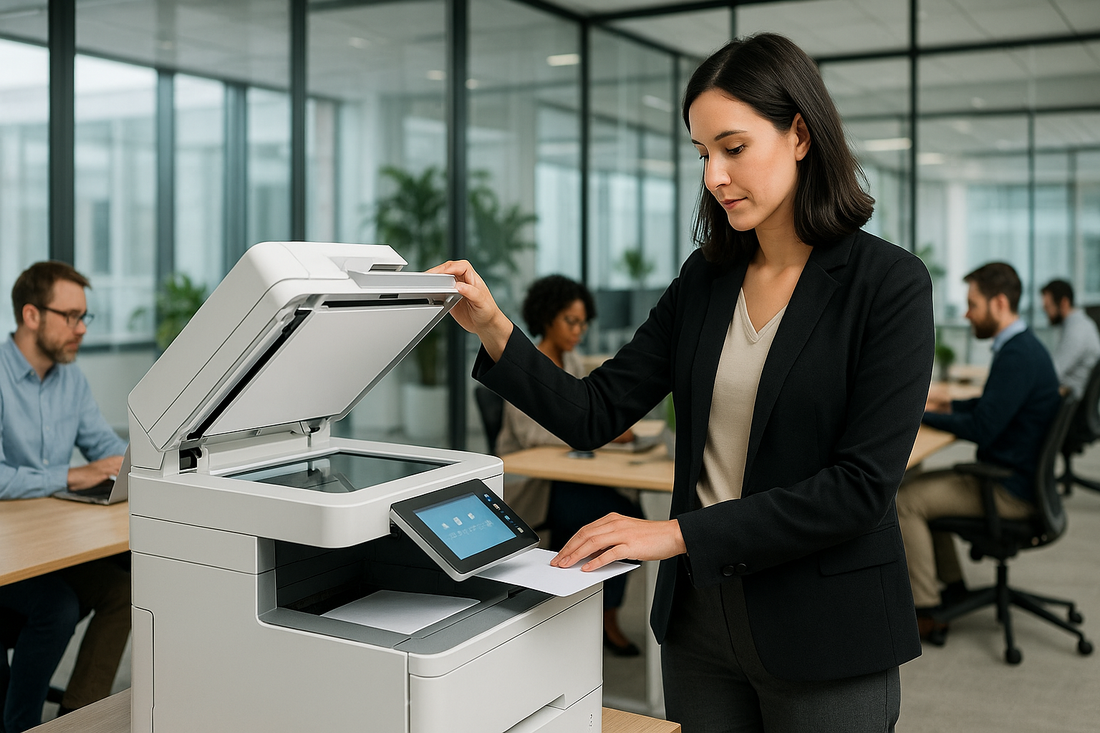
A multifunction printer is a device that combines printing, copying, scanning in a single unit, and sometimes, fax or direct email sending. Its goal is to centralize document activities, reducing the number of machines to manage and optimizing operating costs. Modern MFPs integrate with the corporate network and information systems, allowing for the structured acquisition, distribution, and storage of documents.
Main functions
- Printing: from PC, mobile, and cloud; support for standard protocols and functions such as automatic duplex.
- Copying: quick duplication with quality, format, and collating adjustments.
- Scanning: to email, network folders, DMS/ECM repositories, or applications; OCR to make documents searchable.
- Fax/Digital sending: optional; many companies replace it with scan-to-mail workflows or integrations with document software.
Tip: evaluate including the MFP in a managed print project to govern costs, consumption, and service levels with clear indicators.
Key components
1) Print engine
The print engine is the heart of the MFP. It defines speed (pages per minute), technology (laser/LED), resolution, duplex printing capability, and duty cycle. In a B2B context, it is important that it is sized for the department's actual volumes of printing.
2) Scanner and ADF (automatic document feeder)
The scanner converts paper documents into digital files. The ADF allows you to acquire multiple pages automatically; duplex models read both sides in a single pass, speeding up the scanning of contracts, invoices, and forms.
3) Paper trays and bypass
The trays determine autonomy and supported formats (A4, A3, envelopes, labels, thick paper). The bypass tray is useful for special media. A correct configuration reduces machine downtime and frequent reloads.
4) Control panel (touch)
The touch interface allows users to start copies, scans, and guided workflows with custom buttons. A clear panel reduces errors and training times.
5) Controller and memory
The controller manages print/copy/scan jobs and connectivity (Ethernet, Wi-Fi, sometimes Bluetooth/NFC for mobile printing). Memory and storage affect the management of large files and the job queue during peak hours.
6) Finisher (stapling, collating, folding)
The finishing modules automate the production of internal booklets: saddle stapling, hole punching, folding. They are essential for departments that generate manuals, presentations, or forms deliverable ready to use.
7) Security and authentication
Corporate MFPs integrate user authentication (badge, PIN, credentials) and functions such as secure print release ("pull printing"), data encryption, and audit logs. This is crucial for compliance and the protection of sensitive data (e.g., payroll, medical records).
Office use cases
Administration and finance
- Invoices and shipping documents: scanning with OCR and automatic routing to ERP or folders for accounting.
- Approval cycle: internal review and signature workflow with digital archiving.
- Periodic mass printing: statements, monthly reports, extracts for suppliers.
Human resources
- Personnel documents: secure acquisition of contracts and certifications, profiled access.
- Badge printing and internal communications: ready HR files, tracked distribution.
- Digital preservation: integration with DMS systems; reduction in paper and search times.
Technical office and operations
- Projects, diagrams, and drawings: A3 printing, thick paper management, and finishing for deliveries to customers/suppliers.
- Controlled revisions: scanning with versioning; change history.
- Quality forms: manuals and operating instructions with automatic stapling.
Sales and marketing
- Sales materials: internal price lists, brochures for operational use, event kits.
- On-demand printing: updated micro-editions without waste.
- Lead digitalization : scanned contracts and orders forwarded to the CRM.
Vertical sectors (examples)
- Retail: courtesy receipts, internal labels, return forms.
- Healthcare: check-ins, privacy notices, internal reports (with access control).
- Education: handouts, tests, notices to families; mass scanning to educational repositories.
For many Italian companies, it is effective to evaluate multifunction printer rental with a predictable fee, including printer support and consumables, to stabilize the budget and ensure operational continuity.
Operational benefits
1. Cost reduction and predictable TCO
With a single well-sized MFP, the costs of purchase, maintenance, and consumables of multiple devices are reduced. Included in a managed print contract, the expense becomes predictable thanks to fees and cost-per-copy, with timely reports by cost center.
Tax note: in some cases, operating lease can offer accounting/tax benefits for the dilution of the expense over time. Disclaimer: tax information is general in nature and does not constitute advice; consult your advisor.
2. Productivity and digital workflows
Processes such as acquisition - indexing - sending to folders or applications are managed from the MFP panel, reducing manual steps and downtime. OCR makes PDFs searchable, speeding up the retrieval and reuse of content.
3. Security and compliance
Thanks to authentication, encryption, logs, and pull printing, MFPs help limit incorrect prints or unauthorized viewing of sensitive documents. Best practices: retention policies, strong authentication, secure data deletion in case of decommissioning.
4. Sustainability
Consolidating devices and using duplex, energy-saving profiles, and print rules reduces consumption and waste. Digitalization limits paper archives and space costs.
5. Scalability and centralized control
Unified drivers, remote monitoring , and proactive alerts on consumables/failures simplify IT management. Print rules (per user, department, document type) promote a responsible use of resources.
How to request a consultation/quote
If you want to understand which MFP configuration best suits your volumes, formats, and document workflows, request a free consultation: we will analyze needs together, SLA printer support integrations, with multifunction printer rental options or managed print projects.
FAQ
What is a multifunction printer?
It is a single device that integrates printing, copying, scanning, and sometimes fax/email sending, designed to centralize document processes in the company.
What is the difference between an MFP and a printer with a scanner?
An MFP offers advanced functions (workflow, authentication, finishing, network integrations) beyond simple print+scanner.
How to understand the right print speed?
Evaluate monthly volumes, few hours, and formats used. A correctly sized MFP avoids queues and machine downtime.
Better to buy or rent?
It depends on the budget, time horizon, and service management. Rental with printer support and materials included offers predictable costs; check the tax aspects with your advisor.
Is the MFP secure for sensitive data?
Yes, if configured with authentication, encryption, logs, and adequate policies. Secure data deletion upon machine change is also important.