How to choose a multifunction printer for the office
Condividi
To understand how to choose a multifunction printer, you must start with the work carried out every day in the office: documents produced, formats used, people involved, and truly necessary functions. This guide helps companies and professional firms organize the evaluation in a clear way.
In brief
- A multifunction printer for the office must be chosen based on the actual work, not just the model or appearance.
- It is necessary to evaluate the quantity and type of documents, format, users, scanning, copying, and internal organization.
- The best multifunction printer for a company is the one consistent with its procedures and daily requirements.
- Before making a choice, it is useful to gather information shared by the people who will use the device.
How to choose a multifunction printer starting from the requirements
A multifunction printer for the office combines activities that can play an important role in business processes: printing documents, producing copies, and turning paper into digital files. For this reason, the choice should start with an analysis of the intended use and not with an abstract comparison of equipment.
In summary: first define what the office needs to do, then identify the right solution. Reversing this order can lead to choosing little-useful functions or a configuration that is not suitable for the actual activities.
Observe the daily work
The first step consists in understanding which documents are handled during a normal working day. An administrative office, a professional firm, and a commercial business can use printing in different ways. The people involved should therefore describe the most frequent operations, current difficulties, and the functions they consider essential.
Distinguish current and future requirements
The evaluation must consider the current organization, but also any planned changes. An increase in users, a different management of documents, or the need to share the device more can change the most suitable configuration.
Multifunction printer for the office: the criteria to evaluate
There is no single best solution. The choice depends on the combination of several elements, which must be analyzed together. The following table collects the main questions to address before comparing the proposals.
| Criterion | Question to ask | Why it is important |
|---|---|---|
| Use | Which documents are printed, copied, or scanned? | It allows linking the configuration to the actual activities. |
| Users | How many people will use the device? | It helps understand how the multifunction printer will be shared in the office. |
| Format | Are the documents mainly A4, or is A3 also needed? | The format influences the type of solution to consider. |
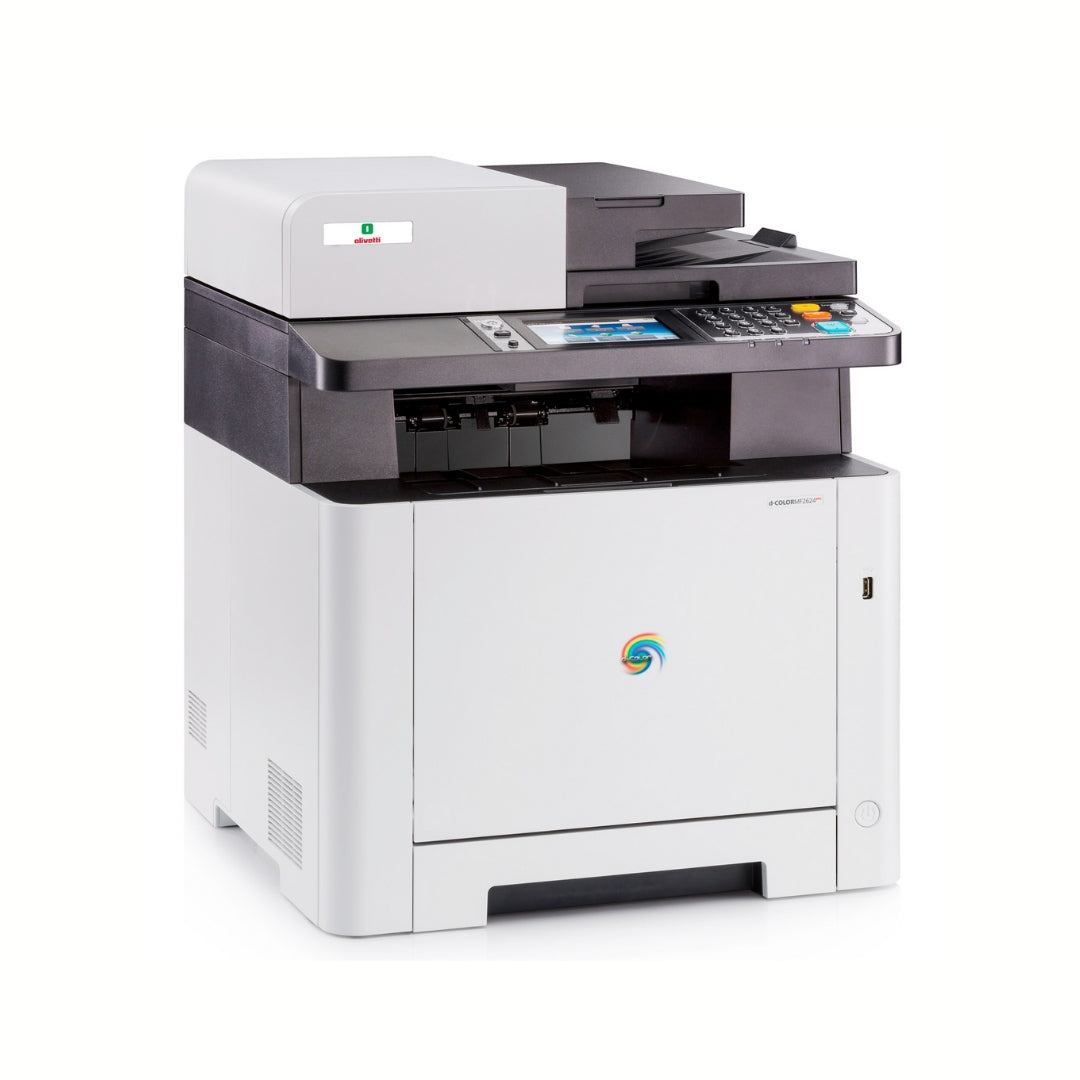
| Color | Is color necessary for all documents or only for some activities? | It allows distinguishing essential requirements from occasional ones. |
| Scanning | How should paper documents be scanned and managed? | Digitization must be consistent with internal procedures. |
| Support | How important is it to keep the printing service available? | Support should be evaluated together with the operational relevance of the device. |
Quantity and frequency of use
It is useful to estimate how often the printer is used and distinguish ordinary activity from any peaks. It is not necessarily necessary to start from perfect data: even an evaluation shared among users can help understand if the use is occasional, regular, or particularly intense.
Number of people and organization of spaces
A multifunction printer used by a single operating area has different requirements from a device shared among multiple people or departments. It is also important to consider the location where it will be installed and the way users will access the functions during the day.
A4 or A3 multifunction printer: which format to choose
The distinction between A4 and A3 must be linked to the documents actually produced. If the business mainly uses documents in the most common office format, the evaluation will be different compared to an organization that also manages larger materials.
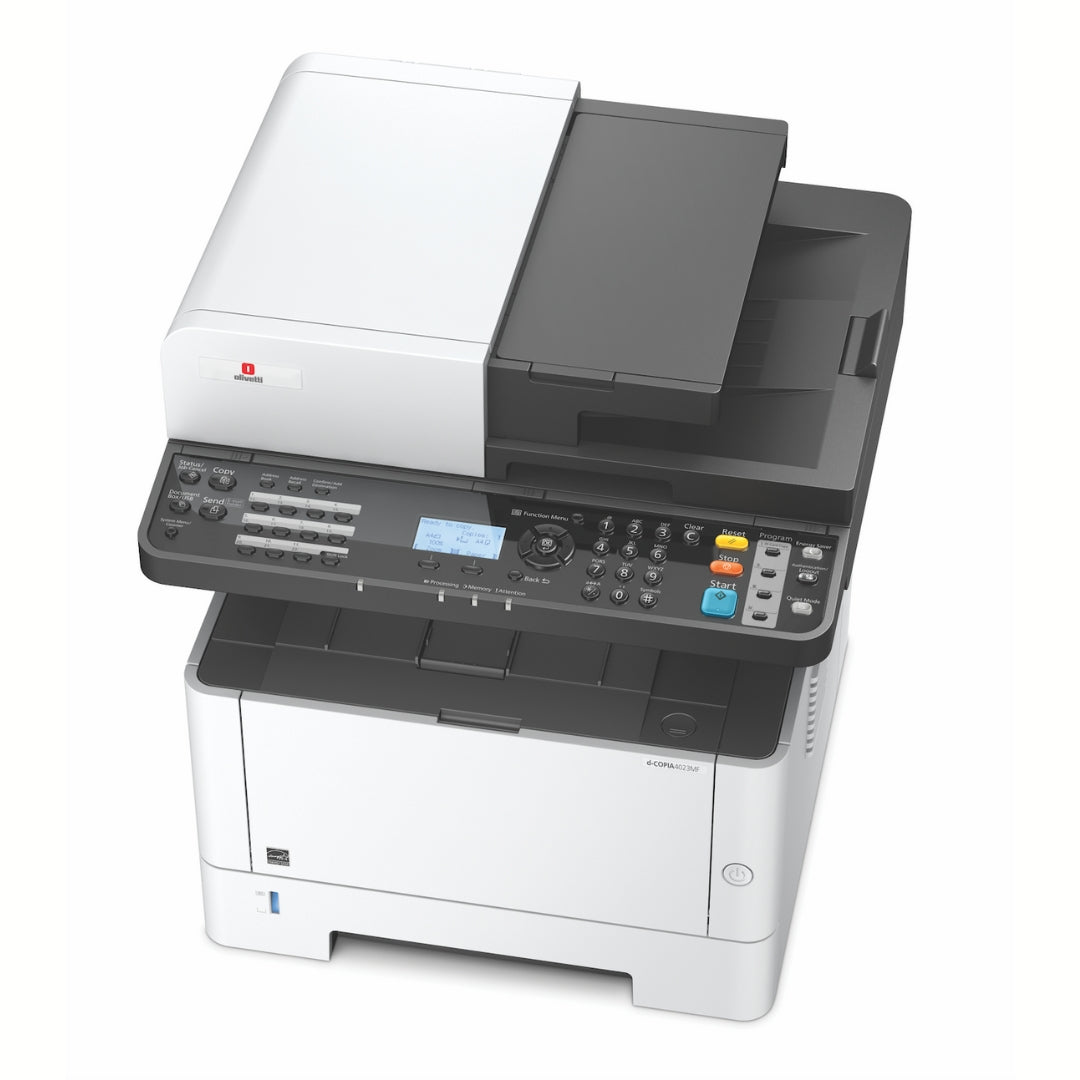
When to consider an A4 multifunction printer
An A4-oriented solution can be considered when daily activities mainly concern communications, procedures, invoices, reports, and standard documents. Before deciding, it is still useful to check if there are occasional requirements that require different formats.
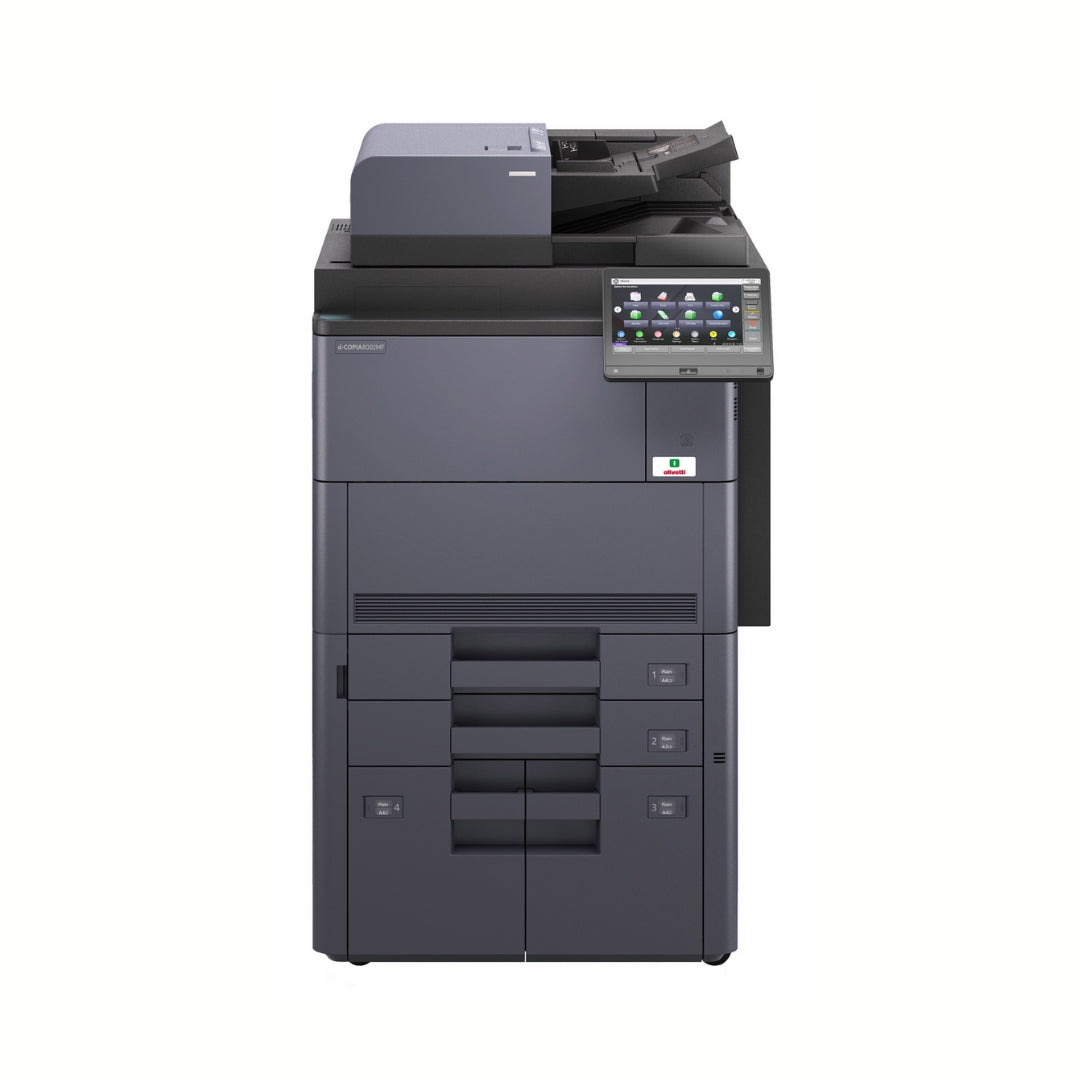
When to also consider the A3 format
The A3 format can be relevant when the company manages larger documents, graphic materials, brochures, projects, or other elaborations that require a larger surface. The choice must depend on the frequency and importance of these activities, not on the simple availability of the function.
What functions should the best multifunction printer for businesses have
The best multifunction printer for businesses is not necessarily the one with the highest number of functions. It is the one that makes the actually carried out activities simpler and that can be used clearly by the people involved.
Printing and copying
It is necessary to evaluate the type of documents, the need for color, and the way recurring jobs are produced. The functions must be consistent with daily use and the organization's priorities.
Scanning and digital management
Scanning is important when the office needs to scan paper documents and insert them into its digital workflows. Before choosing, it is advisable to clarify where the files should go, who will manage them, and how they will be organized after scanning.
Sharing among users
If multiple people use the same multifunction printer, the configuration must be evaluated in relation to the office organization. The goal is to prevent the device from becoming a point of difficulty or slowing down the most frequent activities.
Recommended solution
This solution is indicated for companies that choose the multifunction printer after having analyzed documents, formats, users, and internal procedures. The device must adapt to the organization's work and not force the organization to adapt to irrelevant functions.
Errors to avoid when choosing the multifunction printer
An incomplete evaluation can make it more difficult to identify the right solution. The most common errors arise when only one element is considered and the activities the device will have to support over time are neglected.
- Choosing without involving the people who will use the multifunction printer.
- Evaluating the device without distinguishing between A4 format and A3 requirements.
- Considering all available functions as equally important.
- Ignoring the way documents are scanned and organized digitally.
- Neglecting the location of the device and sharing among users.
- Comparing proposals without checking which services and conditions they include.
To avoid these problems, it is useful to turn the requirements into an ordered list: essential functions, useful functions, and unnecessary features. This makes the comparison clearer and reduces the risk of basing the decision on marginal elements.
Checklist: how to choose a multifunction printer
Before requesting a consultation or comparing proposals, check that you have gathered the following information:
- Type of documents produced most frequently.
- Estimated quantity and frequency of printing, copying, and scanning.
- Number of people and departments that will use the device.
- Need to print in black and white, color, or both modes.
- Predominant use of the A4 format and any need for the A3 format.
- Methods by which paper documents must be digitized.
- Available space and location for installation.
- Support requirements and operational continuity.
- Any planned organizational changes.
In summary: a complete request allows you to evaluate a multifunction printer for the office in relation to concrete criteria, avoiding generic or little-useful comparisons.
Frequently asked questions
How to choose a multifunction printer for the office?
You need to analyze the documents produced, the formats used, the number of users, the necessary functions, and the way printing, copying, and scanning fit into the office procedures.
What is the best multifunction printer for businesses?
The best multifunction printer for businesses is the one consistent with actual use. There is no single best model for every organization: the choice depends on documents, users, formats, and operational requirements.
Is it better to choose an A4 or A3 multifunction printer?
An A4 solution is indicated when the business mainly uses that format. The A3 format should be considered when larger documents are part of the company's actual requirements.
What functions are important in a multifunction printer?
The important functions are those actually used by the office: printing, copying, scanning, format management, and sharing among users must be evaluated based on internal procedures.
What should be indicated before requesting a consultation?
It is useful to indicate managed documents, frequency of use, number of users, formats, color requirements, scanning methods, and support requirements.
The choice starts with the analysis of the office
To choose a multifunction printer consciously, you need to link every feature to the company's actual activities. An orderly evaluation of documents, users, formats, and functions allows you to identify a solution more consistent with daily work.