SLA and response times in printer support: what to ask the supplier
Condividi
A service contract without clear SLAs is like driving without a dashboard: you don't know when you'll arrive or if you're staying within the limits. This article provides a practical guide to understanding, defining, and negotiating printer service SLAs: from basic definitions and priority levels to KPIs, penalties, and reporting. The goal is to give you a simple, effective decision-making model suited to the Italian B2B context, protecting your office's productivity and operational continuity.
In summary
- Define SLAs in writing: acknowledgment, response time, and resolution time are different metrics.
- Use clear priorities (critical, high, medium, low) based on business impact and print volumes.
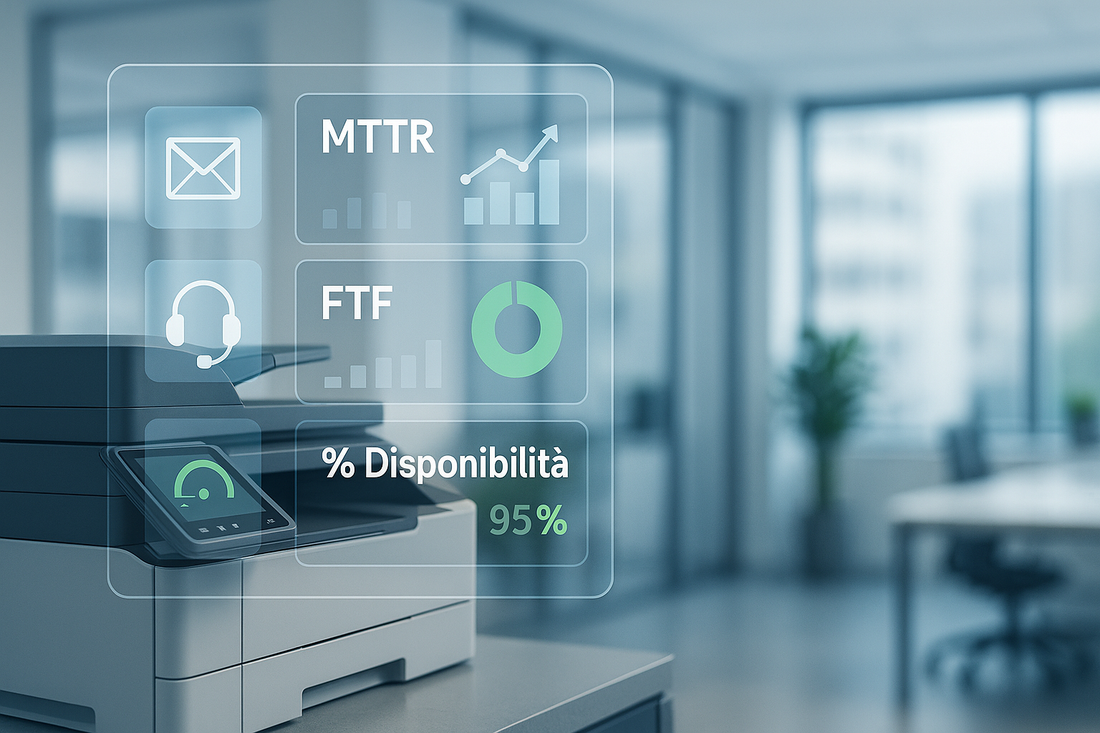
- Measure essential KPIs: MTTR, first-time fix, SLA compliance rate, callbacks, and fleet availability.
- Demand periodic reports and service reviews with improvement plans.
- Include penalties and/or service credits with realistic thresholds and transparent exclusion rules.
- Integrate the SLA with managed print services for proactive monitoring, consumables, and spare parts.
SLA Definitions
What is an SLA in the context of printers?
The SLA (Service Level Agreement) is the contractual agreement that establishes minimum service levels and the timeframes within which the supplier must respond and restore MFP functionality. It is essential in multifunction printer lease contracts and printer service agreements because it directly impacts productivity, costs, and user satisfaction.
Scope
An effective SLA must clarify what is included and how:
- Support channels: help desk, ticketing, remote, on-site.
- Coverage hours: for example, Mon-Fri 9:00 - 18:00; optional 24/7 extensions upon request.
- Territory: different response times for major cities and outlying areas.
- Consumables and spare parts: included or charged per use? Proactive replenishment (typical of managed print) or on-demand?
- Exclusions: failures due to improper use, non-compliant environments, or tampering.
Operational Glossary
- Acknowledgment time (TPC): the time between ticket opening and supplier confirmation.
- Response time (TDI): the time to start the intervention (remote or on-site).
- Resolution/restoration time (TDR): the time until functionality is restored.
- MTTR (Mean Time To Repair): the average of actual repair times.
- Availability (%): the percentage of time the device/service is operational.
- FTF (First Time Fix): issues resolved on the first visit, without callbacks.
Times and Priorities
How to Define the Priority of a Failure
Link the priority to the impact on the business process and print volumes:
- Critical (P1): total print/scan outage on a strategic device or multiple devices; no workaround.
- High (P2): degraded core functionality (frequent jams, illegible quality) impacting departments.
- Medium (P3): non-blocking malfunctions; workaround available.
- Low (P4): information requests, minor adjustments, non-urgent upgrades.
Document concrete examples for your context (e.g., administration during tax deadlines, logistics with shipping documents to print).
Service Window and Coverage
Establish in writing when metrics are measured and which channels are active.
- Standard hours: Mon-Fri 9:00 - 18:00 (excluding national holidays).
- Extensions: 08:00-20:00, Saturday, or 24/7 (with different rates/SLAs).
- Channels: ticketing + phone + remote access; on-site only when remote access is not effective.
- Areas: major cities vs. outlying areas (different times clearly indicated in the contract).
Calculation Rules (to be Put in Writing)
- Business vs. clock hours: specify whether timers run only during SLA hours (recommended).
- Suspensions: timer paused when waiting for customer action, approvals, or out-of-stock spare parts;
- Step-by-step interventions: remote TDI "stops the TDI timer"; if remote access does not resolve the issue, the on-site dispatch timer starts.
- Event resumed: TDR is considered met when the user validly confirms functionality (ticket "resolved").
Operational Workflow (How a Ticket Should Proceed)
- Opening ticket with category, proposed priority, MFP serial number, error code, and process impact.
- Acknowledgment (TPC) with priority confirmation and ETA (estimated time).
- Remote troubleshooting with diagnostic scripts, resets, drivers/firmware, and consumable checks.
- On-site dispatch if remote access does not resolve the issue or the priority requires it.
- Spare parts management: stock check, reservation, express shipping if P1/P2.
- Restoration (TDR) and verification with the user (print/scan test).
- Ticket closure with causes, actions, spare parts used, time spent, and preventive notes.
- Survey post-intervention. (NPS/CSAT) and, for repeated P1/P2 issues, RCA (Root Cause Analysis).
Also define an escalation matrix (who to call at +50% of the expected TDR, who intervenes if TDR is at risk, when to involve the vendor).
Measurement Rules and Transparency
- Reference calendar: specify national holidays and company closures.
- Counted hours: if SLA is 9:00-18:00, timers do not run outside this window.
- Exclusions: improper use, non-compliant environments (humidity/dust), tampering, lack of network/power, missing credentials.
- Third-party supplier wait times: if the vendor/authorized center is required, provide dedicated windows and stop-clock provisions.
- Evidence: all timers and statuses must be tracked in the ticketing system and exportable.
Penalties and Service Credits (How to Set Them Up Properly)
Penalties should not be punitive, but incentivizing and proportionate. A clear structure:
- Thresholds by priority
- Deductible: maximum tolerance.
- Tiers: penalty increases with the delay and the number of violations.
- Cap: maximum ceiling.
- Form: service credit (credit notes) applied to the next fee.
Negotiation Checklist
- Priorities defined with real use cases (administration during VAT closing, logistics during picking).
- Timers measured during SLA hours and written stop-clock rules.
- Remote TDI and on-site separated; different thresholds for outlying areas.
- Spare parts stock and documented replenishment times.
- Penalties with deductible, tiers, and cap; RCA requirement for P1.
- Reports with KPIs and accessible dashboard; planned QBR.
FAQ
What happens if a ticket remains outside the threshold due to a customer cause (e.g., no access)?
The stop-clock applies: timers pause until access/response is available. Evidence is required in the ticket.
Is a single TDR better, or one differentiated for remote/on-site?
Maintain a single TDR per priority and measure remote/on-site TDI separately: it is clearer and contractually sounder.
How to manage non-stock spare parts?
Define spare parts classes A: (critical, local stock), B (48-72 h), C (order from vendor). Indicate the impact on timers or the stop-clock.
If I have multiple locations, can I have different SLAs?
Yes: attach a table by location/area with differentiated TDI/TDR thresholds and a single control dashboard.