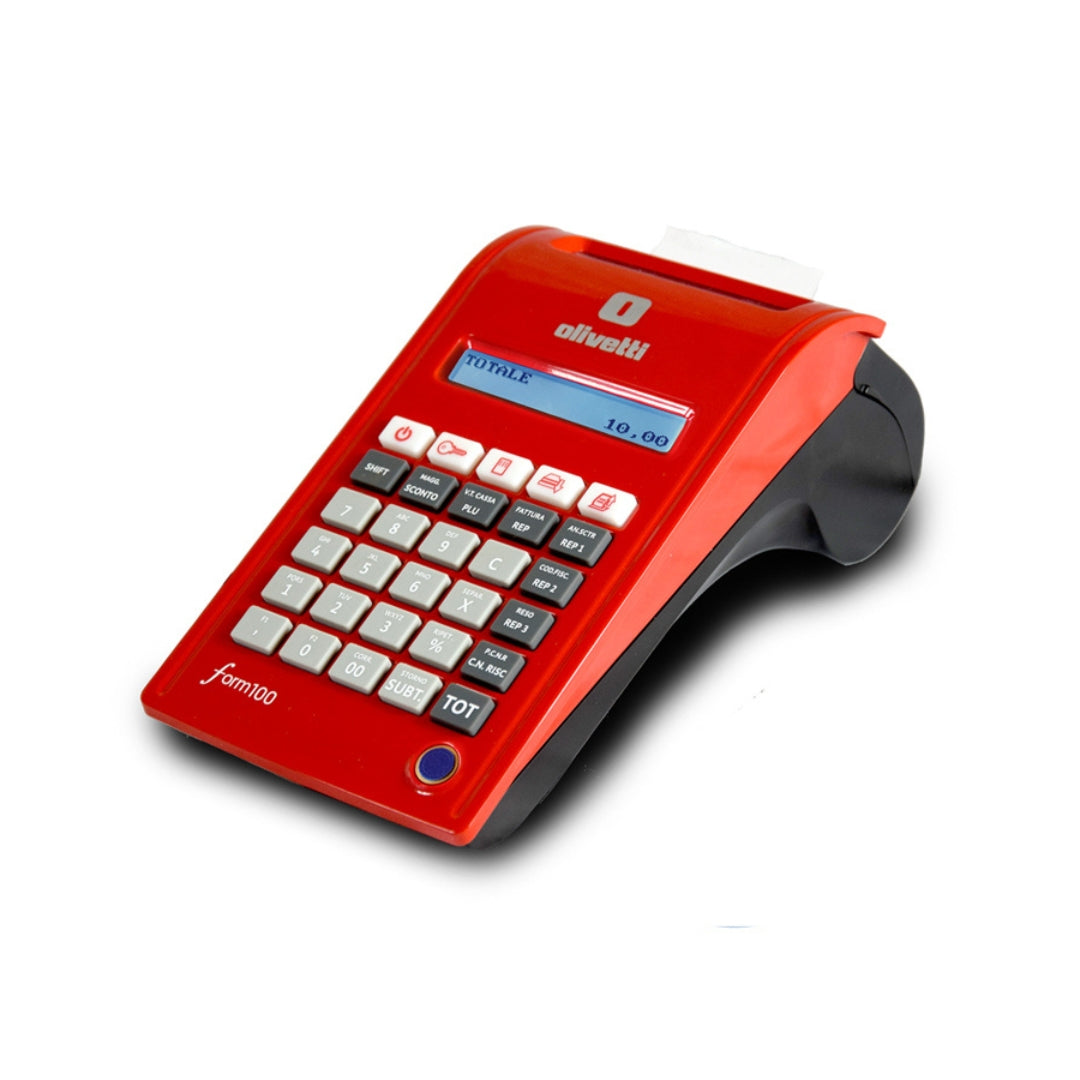
How to set the cash register to out-of-service mode in a few simple steps
Condividi
If you have ever found yourself in a situation where your cash register is out of service and you do not know how to activate it, you are not alone. Many merchants face this problem, often without knowing how to resolve it quickly. In this article, we will show you how to activate an out-of-service cash register simply and safely, avoiding complications and wasting time. By following these tips, you will be back up and running in no time. Discover how to address this problem and optimize the operation of your device without any hiccups.
What does "out-of-service cash register" mean?
When a cash register is "out of service," it means that the device has stopped working correctly and can no longer perform its normal functions, such as issuing tax receipts or recording sales. The causes can be numerous: technical problems, hardware failures, system errors, or even temporary software interruptions. Identifying the cause of the problem is the first step to solving it. Knowing how to activate an out-of-service cash register can prevent downtime in your business.
Steps to activate an out-of-service cash register
1. Check the cash register status
The first step is to check the cash register display for any error messages or notifications. These messages can provide useful clues about the nature of the problem. If the display is off or unresponsive, it could be a power issue.
- Check the power cables: Make sure the cash register is properly connected to the power outlet.
- Check the internal battery: Some cash registers have an internal battery that may be depleted.
2. System restart
Often, a simple restart of the cash register can resolve many problems. Turn off the device, wait a few minutes, and turn it back on. This action allows the system to reset and resume working correctly.
- Turn the cash register off and on: Press the power button or temporarily disconnect the device.
- Wait at least 60 seconds: This allows the system to fully reset before being restarted.
3. Cash register reset
If restarting does not solve the problem, you may need to perform a cash register reset. The reset may vary depending on the model, but it generally involves holding down a specific button or following a specific combination of commands.
- Consult the cash register manual: Find the specific instructions for your model.
- Warning: The reset may erase some settings, so be careful before proceeding.
4. Check for software updates
Another possible cause of the cash register malfunction could be the need to update the software. Check if there are updates available and follow the instructions to install them.
- Access the settings menu: Most modern cash registers have an option to update the software.
- Follow the instructions: Make sure not to interrupt the update process, which may take several minutes.
When to call technical support
If after performing the previous steps your cash register is still out of service, it may be time to contact the technical support service. In some cases, the problem may be due to hardware failures or more serious malfunctions that require the intervention of a professional.
- Contact the manufacturer's customer support: Provide them with all relevant information, including the model number and details of the problem.
- Certified support services: If your cash register is covered by a warranty, make sure to contact an authorized service center.
Conclusion
Knowing how to activate an out-of-service cash register is essential to ensure the proper functioning of business activities. By following the steps described in this article, you can quickly resolve common problems without having to immediately call technical support. Remember that regular maintenance and software updates can prevent many inconveniences.
Do you need assistance with your cash register or want to know more about how to improve the operation of your store? Subscribe to our newsletter to receive useful tips and technical advice directly in your inbox! Or, contact us for more information about our personalized technical support services.
FAQ
- What does it mean if the cash register is out of service?
- It means that the device has stopped working correctly and cannot perform operations such as issuing receipts or recording sales.
- How can I restart my cash register?
- Turn off the device, disconnect the power for at least 60 seconds, then turn it back on.
- What should I do if restarting does not work?
- Try performing a cash register reset, following the instructions in the device manual.
- Is it necessary to update the cash register software?
- Yes, software updates are essential to ensure the proper functioning and security of the device.
- When should I call technical support?
- If the problem persists after trying the restart and reset steps, contact technical support for professional assistance.